
 00:00
00:00Cup up, guns out
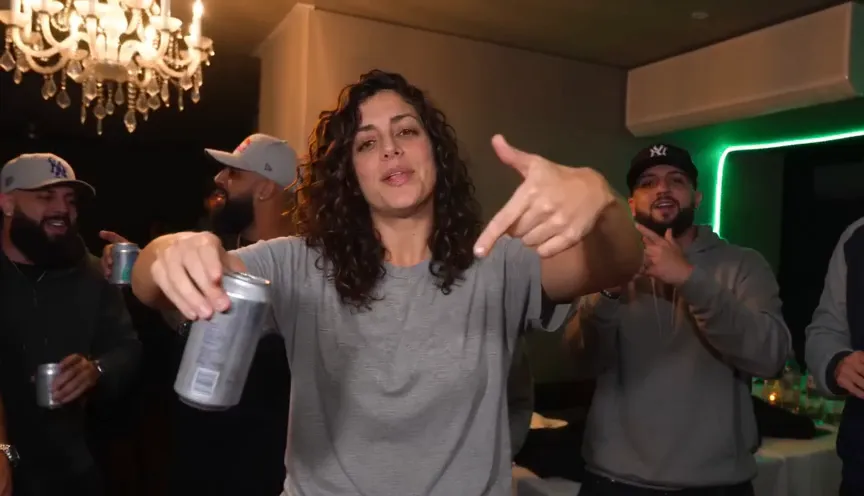
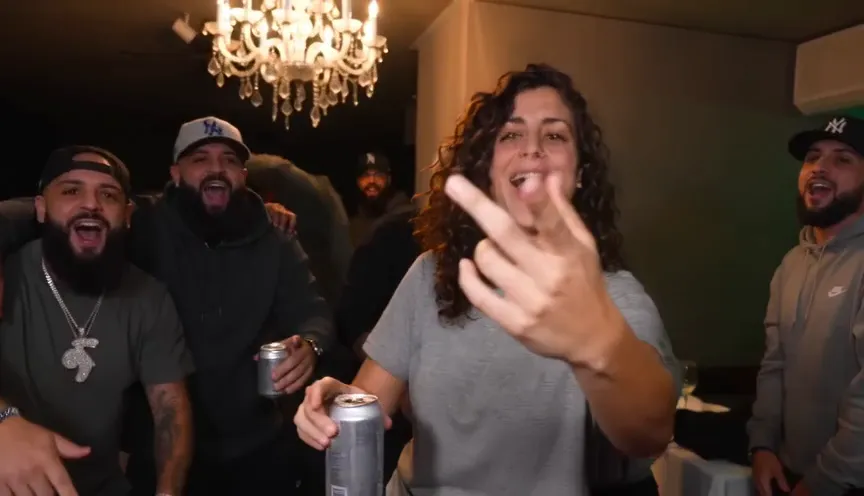
The clip opens on you raising the silver cup at the camera and flashing finger guns — the handshake of the whole trend.
Upload one selfie and get the 10-second clip — you walking the party with the silver cup, the finger guns, and the song on it. No prompt needed.
1 Pick your take
Every clip runs the same party scene — choose the take you want to star in.
Selected: The white dress · 10s · 9:16 · The song
Your photo
JPG, PNG, WebP · Up to 10 MB
Clip quality
Format
The white dress · 10s · 9:16
The scene
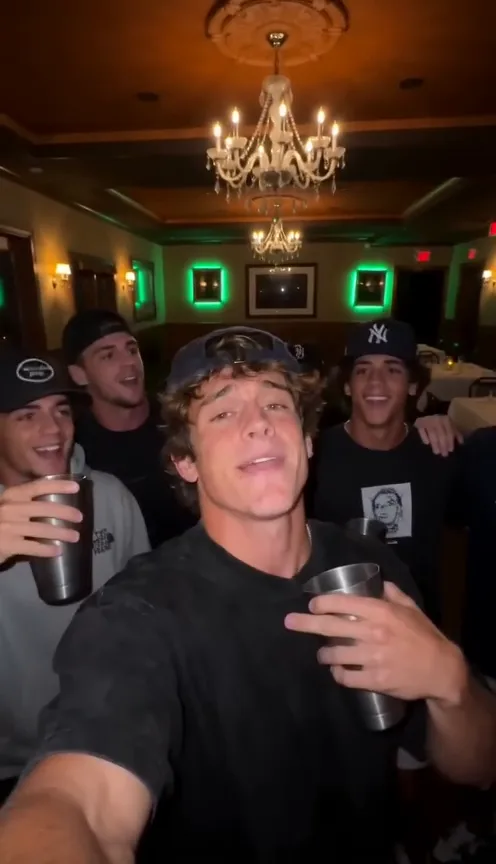
The person in the reference image steps into a crowded, chandelier-lit party room holding a silver cup, then performs for a handheld camera that stays close and loose. They raise the silver cup toward the lens, flash finger guns at the camera, turn and point out friends in the crowd, press a flat hand over their eyes and scan the room as if looking for someone, then break into a laugh and wave while the crew cheers around them. Keep the person's face, hairstyle and outfit exactly as in the reference image, and keep the warm chandelier glow, the party outfits and the packed-room energy of the reference video. The song drives the timing — every gesture lands on the beat. Use the reference audio as the soundtrack.
Fixed scene, song included — the routine plays out the same way for every clip. No prompt needed.
Photos are checked when you generate, before credits are charged
The song is on the clip
Every render ships with the Burning Bridges party soundtrack baked in — the beat the routine was built around. Download and post straight away.
The white dress
Party · 10s · 9:16 · The song
Example render · Example made on this site from one photo. AI results vary — check the face and the timing before sharing.
The routine
The scene is fixed on purpose — the same ten seconds that made the trend. Your photo supplies the star; the template supplies everything else.
00:00The clip opens on you raising the silver cup at the camera and flashing finger guns — the handshake of the whole trend.
 00:02
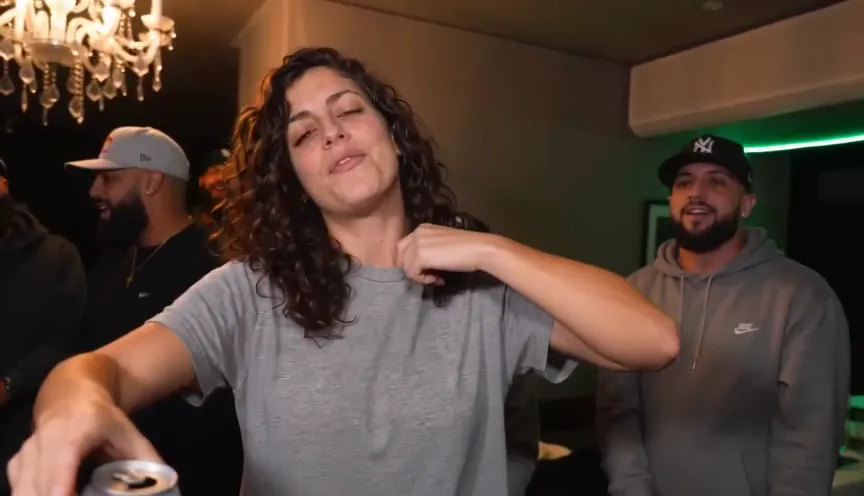
00:02A quick grab of the collar like you just walked in — the camera stays close and handheld.
 00:04
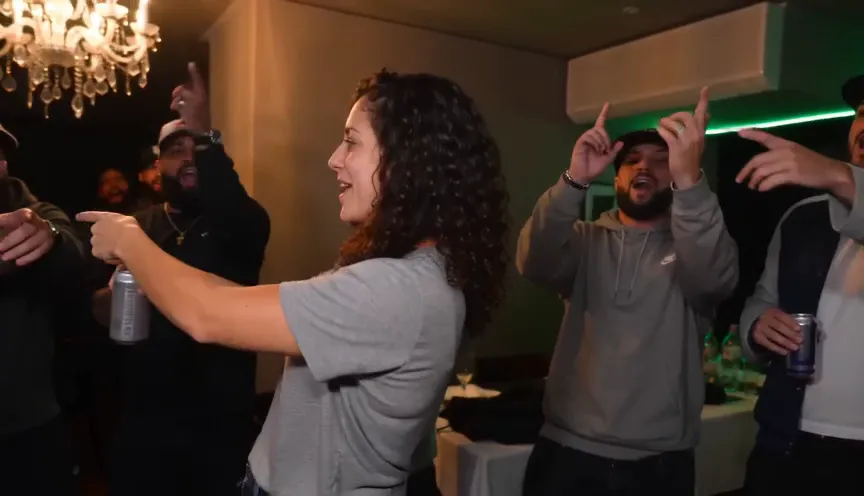
00:04You spot your people across the room and point them out — the crowd presses in behind you.
 00:06
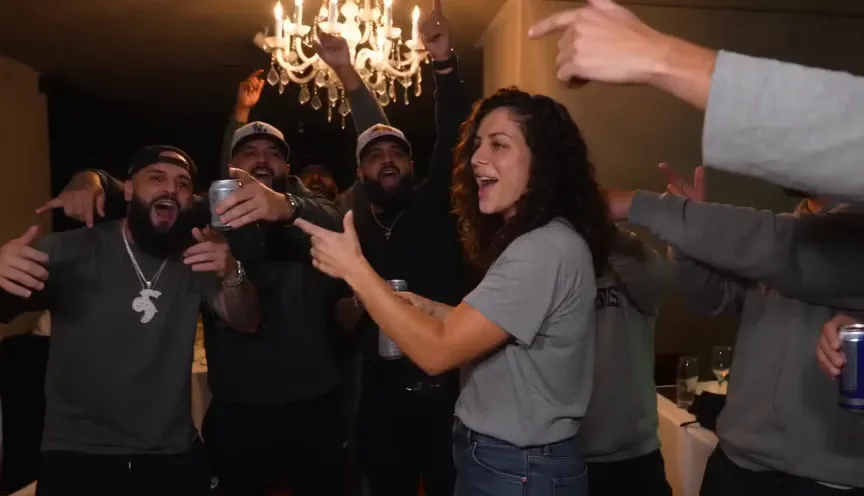
00:06Flat hand over the eyes, scanning the room — the signature move, timed to the lyric.
 00:08
00:08You break into a laugh and wave somebody over while the crew cheers — the clip resolves like the trend always does.
See the effect
Every clip below was made from the single photo shown under it — same routine, same song, different star.
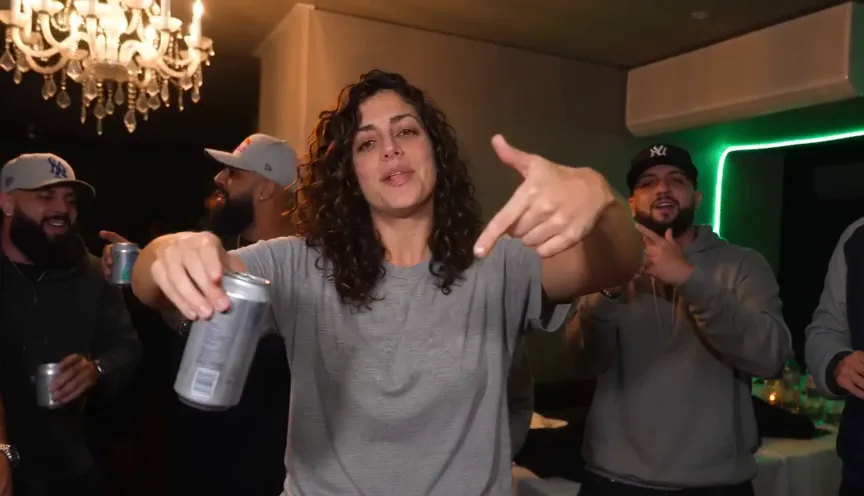 Made from this photo
One portrait in — the full routine out, timed to the song.
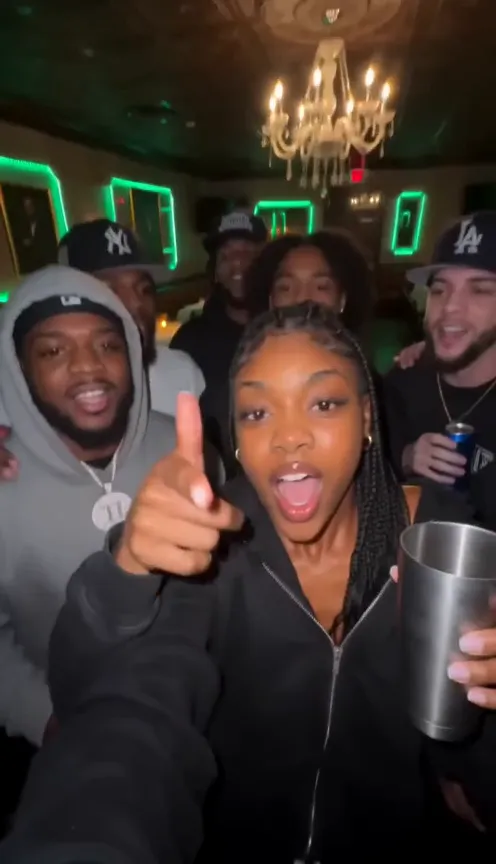 Made from this photo
Hair, fit and expression carry from the photo into the party.
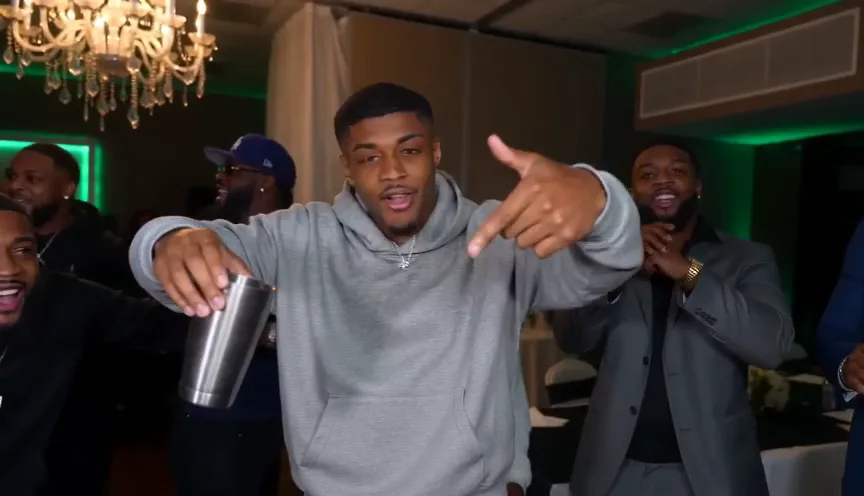 Made from this photo
Yes — it works on more than selfies. The party adapts to whoever shows up.
 Made from this photo
A group shot still produces one star — the engine finds the face that leads.
How it works
Start with one photo. Pick the format. Download the clip with the song.
01A clear photo of you or your pet — front-facing works best. JPG, PNG, WebP · Up to 10 MB.
02Pick 9:16, 1:1 or 16:9 and the render quality — 480p to preview, 720p to post, 1080p for the sharpest take. Confirm you can use the photo, then generate.
03Your 10-second clip lands in the panel with the party soundtrack baked in. Download the MP4 and post it to TikTok, Reels or Shorts.
Introducing Burning Bridges AI
Burning Bridges AI is an AI video tool tuned for one job: turning a picture of you into the chandelier-party clip the trend is built around. Upload the photo, pick the format, and the studio handles the routine, the camera and the song.
One clear photo of your face is enough — your features carry into the clip, the party does the rest.
The routine — cup, guns, the look-around, the laugh — is the tested direction behind the trend. There is no prompt box because there is nothing to write.
The soundtrack the routine was built around ships on the clip — no hunting for the audio after the fact.
10 seconds, vertical by default, square and wide on tap — sized for TikTok, Reels and Shorts.
Uploads and generated clips are deleted after 7 days. What you post is yours to keep.
Pets get their own effect — a 5-second head-bob jam made for cats, dogs and anything else you can photograph.
One-time credit packs, no subscription. Pick a pack, upload a photo, and your clip renders in minutes.
Para dúvidas sobre pagamento ou planos, fale com nosso suporte: Falar com suporte
Os métodos disponíveis são exibidos no checkout e podem variar conforme o provedor de pagamento, dispositivo, moeda e região.
Review pricing, credits, validity, and refunds before choosing a Burning Bridges AI credit pack.
How the one-photo party clip works, what it costs, and what to check before you post.
A biblioteca de exemplos
Pré-visualize uma tomada e aplique o efeito na sua foto.
Before your first clip
How the one-photo party clip works, what it costs, and what to check before you post.
Walk out of the party
Upload a photo tonight and post the clip everyone is already watching.